A student wanted to buy a new laptop. The seller asked, “Do you want an SSD or NVMe?” The student felt confused. He thought both were the same. Many buyers face this problem.
The difference between NVMe and SSD is about type and speed. When shopping for a computer, the difference between NVMe and SSD affects performance and price.
In tech reviews, the difference between NVMe and SSD explains why some systems load faster. For gamers and professionals, the difference between NVMe and SSD can change daily work speed. Both relate to storage, but they are not equal terms.
Pronunciation
- NVMe (Non-Volatile Memory Express)
- US: /ˌɛn.viːˈɛm.iː/
- UK: /ˌɛn.viːˈɛm.iː/
- SSD (Solid-State Drive)
- US: /ˌɛs.ɛsˈdiː/
- UK: /ˌɛs.ɛsˈdiː/
Now let us understand their real meaning.
Key Difference Between NVMe and SSD
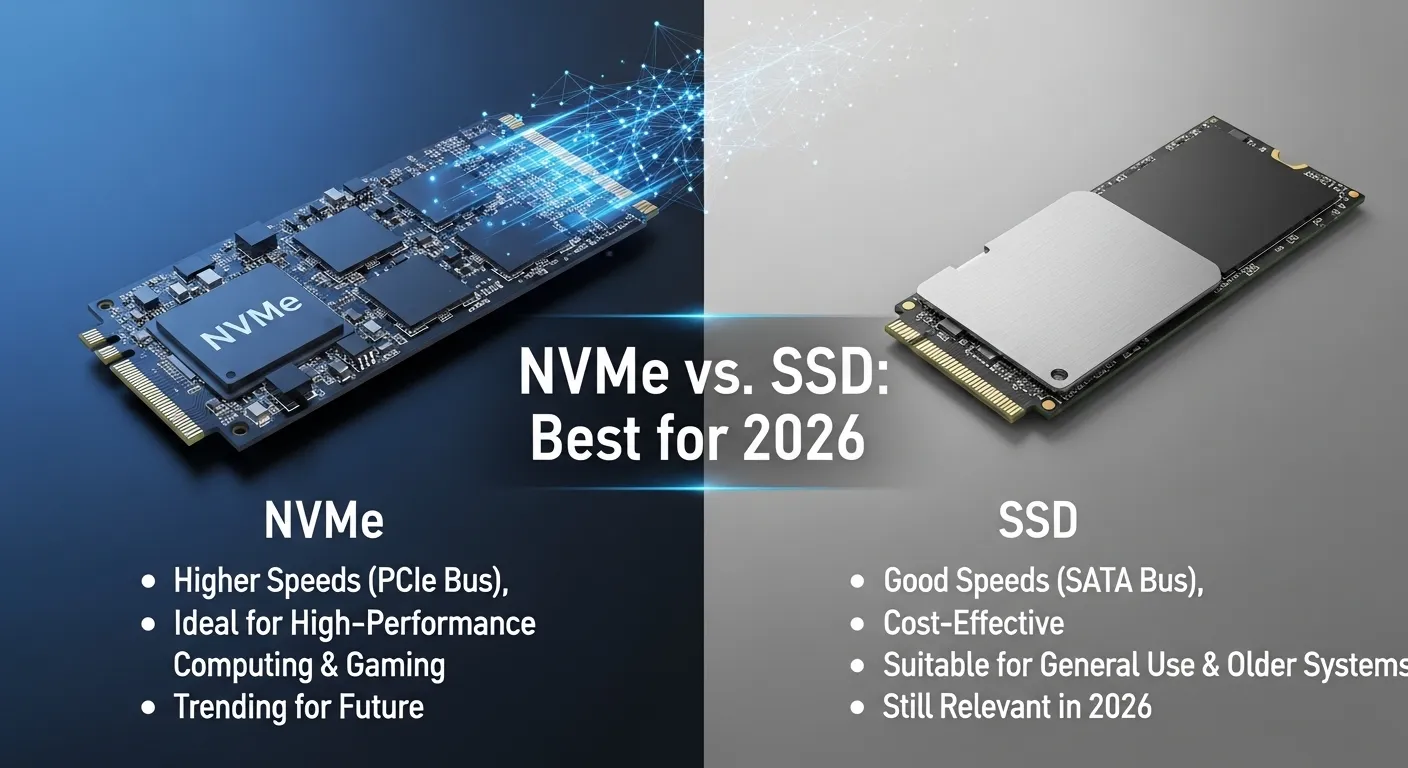
SSD is a type of storage drive that uses flash memory instead of spinning disks.
NVMe is a protocol. It is a faster way for an SSD to connect to the computer using PCIe.
In short:
SSD = storage device type.
NVMe = high-speed connection method for SSD.
All NVMe drives are SSDs. But not all SSDs are NVMe.
Why Is Their Difference Necessary to Know for Learners and Experts?
Students of IT study hardware basics. Gamers want fast loading. Office workers need reliable storage. If buyers mix these terms, they may pay more or get lower speed. In society, digital tools support work and study. Experts must choose the right storage for best results.
Difference Between NVMe and SSD
1. Meaning
- SSD: Solid-State Drive.
- Example 1: SATA SSD.
- Example 2: External SSD.
- NVMe: Communication protocol.
- Example 1: NVMe PCIe drive.
- Example 2: M.2 NVMe module.
2. Speed
- SSD (SATA): Slower than NVMe.
- Example 1: 500 MB/s read speed.
- Example 2: Good for normal tasks.
- NVMe SSD: Much faster.
- Example 1: 3000–7000 MB/s read speed.
- Example 2: Fast game loading.
3. Connection Type
- SSD: Can use SATA cable.
- Example 1: 2.5-inch SATA SSD.
- Example 2: Connected to motherboard SATA port.
- NVMe: Uses PCIe slot.
- Example 1: M.2 PCIe slot.
- Example 2: Direct motherboard link.
4. Performance
- SSD: Good upgrade from HDD.
- Example 1: Faster boot time.
- Example 2: Smooth office work.
- NVMe: High performance tasks.
- Example 1: Video editing.
- Example 2: 3D rendering.
5. Price
- SSD: Usually cheaper.
- Example 1: Budget laptop SSD.
- Example 2: Affordable storage upgrade.
- NVMe: Slightly more expensive.
- Example 1: Gaming PC NVMe.
- Example 2: High-end workstation.
6. Form Factor
- SSD: 2.5-inch or M.2.
- Example 1: 2.5-inch drive.
- Example 2: SATA M.2 drive.
- NVMe: Mostly M.2 form.
- Example 1: Slim M.2 stick.
- Example 2: PCIe expansion card.
7. Latency
- SSD: Low latency.
- Example 1: Fast file open.
- Example 2: Quick system boot.
- NVMe: Even lower latency.
- Example 1: Instant app launch.
- Example 2: Rapid data transfer.
8. Use Case
- SSD: Everyday use.
- Example 1: Student laptop.
- Example 2: Office desktop.
- NVMe: Heavy workloads.
- Example 1: Gaming PC.
- Example 2: Professional editing system.
9. Upgrade Level
- SSD: Big upgrade from HDD.
- Example 1: Old PC boost.
- Example 2: Faster Windows load.
- NVMe: Advanced upgrade.
- Example 1: Pro gaming setup.
- Example 2: Server storage.
10. Compatibility
- SSD: Works on most systems.
- Example 1: Old motherboard with SATA.
- Example 2: External USB SSD.
- NVMe: Needs PCIe support.
- Example 1: Modern motherboard.
- Example 2: Laptop with NVMe slot.
Nature and Behaviour of Both
SSD is reliable and fast compared to old hard drives. It has no moving parts.
NVMe SSD is even faster. It handles many tasks at once. It reduces delay and improves system speed.
Why Are People Confused About Their Use?
Many ads say “NVMe SSD.” People think NVMe and SSD are separate devices. In truth, NVMe is a type of SSD connection. The naming causes confusion.
Table Showing Difference and Similarity
| Feature | SSD (SATA) | NVMe SSD | Similarity |
| Type | Storage device | Storage device with NVMe protocol | Use flash memory |
| Speed | Moderate | Very high | Faster than HDD |
| Connection | SATA | PCIe | Internal storage |
| Price | Lower | Higher | Long lifespan |
| Use | Daily tasks | Heavy tasks | Improve performance |
Which Is Better in What Situation?
A SATA SSD is better for normal users. It is affordable. Also works on older systems. It gives big speed boost compared to HDD. It is good for browsing, office work, and study.
An NVMe SSD is better for gamers and professionals. It loads games fast. Also supports large file transfers. It reduces waiting time in editing work. It is best for modern high-performance systems.
How Are the Keywords Used in Metaphors and Similes?
- “His mind works like NVMe, very fast.”
- “She moved from HDD to SSD speed in learning.”
SSD suggests speed.
NVMe suggests extreme speed.
Connotative Meaning
- SSD: Fast and reliable.
- Example: “Upgrade to SSD for better speed.”
- NVMe: High-performance and advanced.
- Example: “NVMe gives top-level speed.”
Both words have positive meaning in technology context.
Idioms or Related Phrases
- “Speed up.”
- Example: “NVMe speeds up your system.”
- “Upgrade your game.”
- Example: “SSD helps upgrade your game.”
Five Frequently Asked Questions
1. Is NVMe the same as SSD?
No. NVMe is a protocol for SSD.
2. Is NVMe faster than SATA SSD?
Yes. It is much faster.
3. Can I replace SSD with NVMe?
Only if your system supports it.
4. Are all NVMe drives SSDs?
Yes.
5. Which is better for gaming?
NVMe is better for high-speed gaming.
How Are Both Useful for Surroundings?
Both improve computer speed. Both reduce power use compared to HDD. They support modern digital work and learning.
Final Words for Both
SSD gives strong speed boost.
NVMe gives extreme speed boost.
Conclusion
The difference between NVMe and SSD lies in type and connection method. SSD is the storage device. NVMe is a faster protocol used by some SSDs. Both improve system speed greatly compared to old hard drives. Choosing the right one depends on budget and need. Clear understanding helps buyers make smart decisions.

I’m Zahid Abbas, an educator, researcher, and digital publishing strategist with a passion for linguistics, grammar, and clear communication. As a content creator and SEO specialist, I craft research-driven, reader-focused content that empowers learners and makes knowledge accessible worldwide.